



I discovered computers at around eleven, starting modestly without expensive systems. I enjoyed opening them up, taking them apart, testing components, and understanding why something worked—or why it stubbornly refused to.
SKRYDLL × SKRYBOOST
The person behind SKRYBOOST
My interest in computers started with curiosity. SKRYBOOST is how I turn years of testing, repairs, and real configurations into practical help for other people.
I work with PCs, Windows, gaming, OBS, streaming, stability, temperatures, and hardware configurations. I do not apply the same checklist to every system, and I do not promise results I cannot demonstrate.
I started taking computers apart young. Some even made it back together.
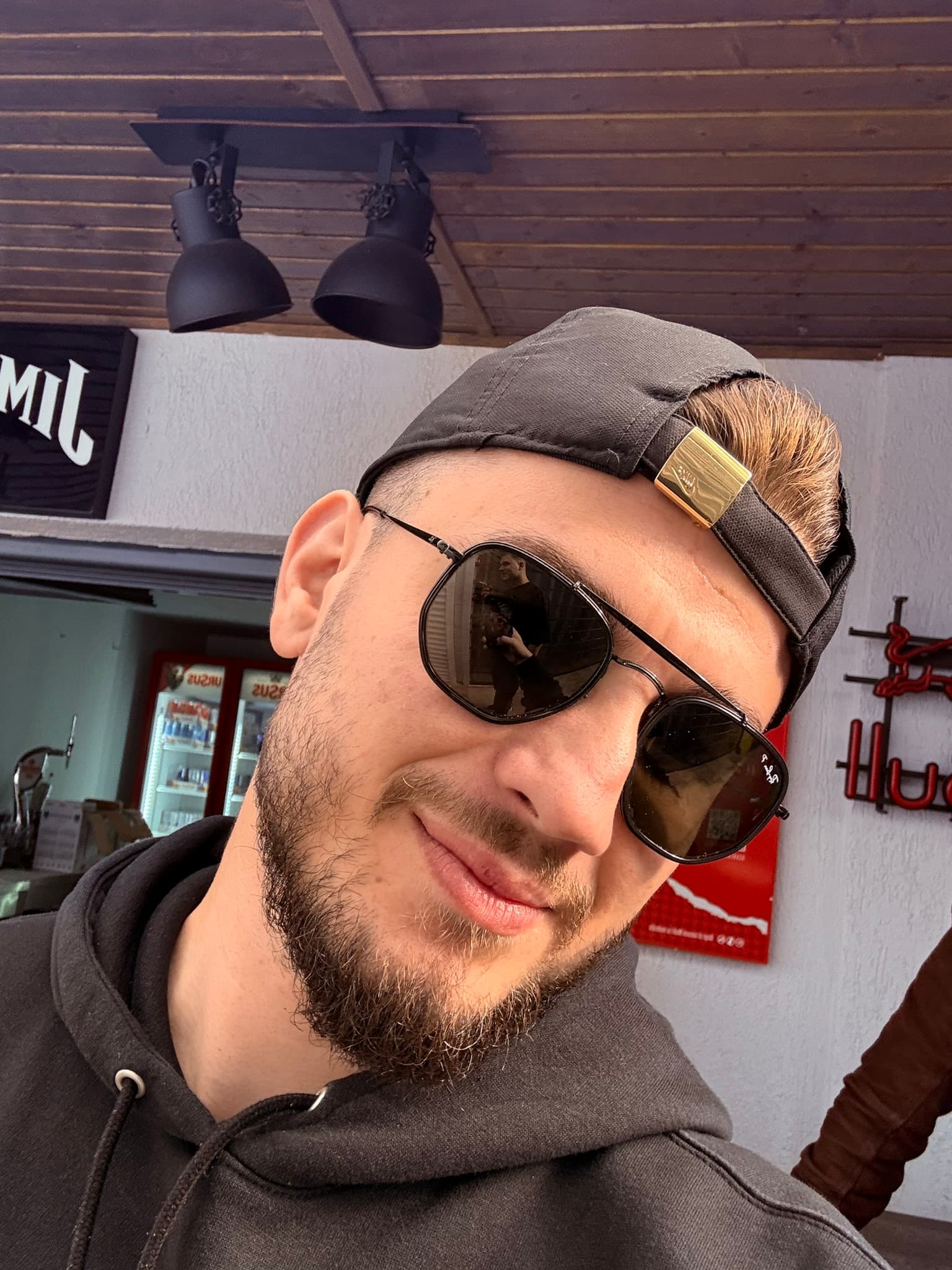
PCs, gaming, and streaming
The story
How it all started
Gaming, followed later by streaming, taught me to treat the system as a whole. Average FPS says little without stability, frame pacing, temperatures, drivers, encoding, audio, and a connection that does not fail just as the livestream starts.
I started with friends' PCs and moved on to increasingly different problems. That became SKRYBOOST: a practical alternative to copied one-size-fits-all lists and promises that sound great until the test begins.
“Some computers were repaired. Others contributed to my education through their sacrifice.”
Practical progression
From my first PCs to SKRYBOOST
01
Curiosity
Understanding how computers work.
02
Gaming and performance
FPS stability, latency, temperatures, and frame pacing.
03
Streaming and workflow
OBS, TikTok Studio, Aitum, TikFinity, Streamer.bot, audio, bitrate, and internet.
04
SKRYBOOST
Turning practical experience into services for other users.
Why SKRYBOOST
Settings that fit your PC
Universal optimization lists can do more harm than good. Two systems with similar symptoms may have completely different hardware, temperatures, drivers, goals, and limitations. Changes should be selected and tested for the actual system—not copied automatically.
I do not want to sell you the largest possible list of changes. I want us to identify what is worth changing and what should be left alone.
How I work
I explain each change and check the result
- I explain what I change
- I test on your setup
- I say when it is not worth it
- I do not promise invented results
How I can help
One system, many parts that need to work together
PC and gaming
Windows, gaming optimization, GTA V Legacy and Enhanced, temperatures, stuttering, frame pacing, and drivers.
Streaming and OBS
OBS, encoder, bitrate, resolution, scenes, audio, dropped frames, and recording.
Creator workflows
TikTok Studio, Aitum, TikFinity, Streamer.bot, TikTok LIVE, Kick, YouTube, and multistream.
Hardware and upgrades
Compatibility, upgrade advice, cooling, power supply, BIOS, XMP, and controlled tuning where appropriate.
A creator's perspective
Synthetic tests do not capture the entire workflow
I still actively use gaming and streaming tools. A real creator workflow can reveal problems that a generic benchmark misses: scenes that overload the encoder, overlapping audio sources, dropped frames, or a connection that becomes unstable at exactly the wrong moment during a livestream.
That is why I look at the complete experience, not just an isolated score.NEXT STEP